
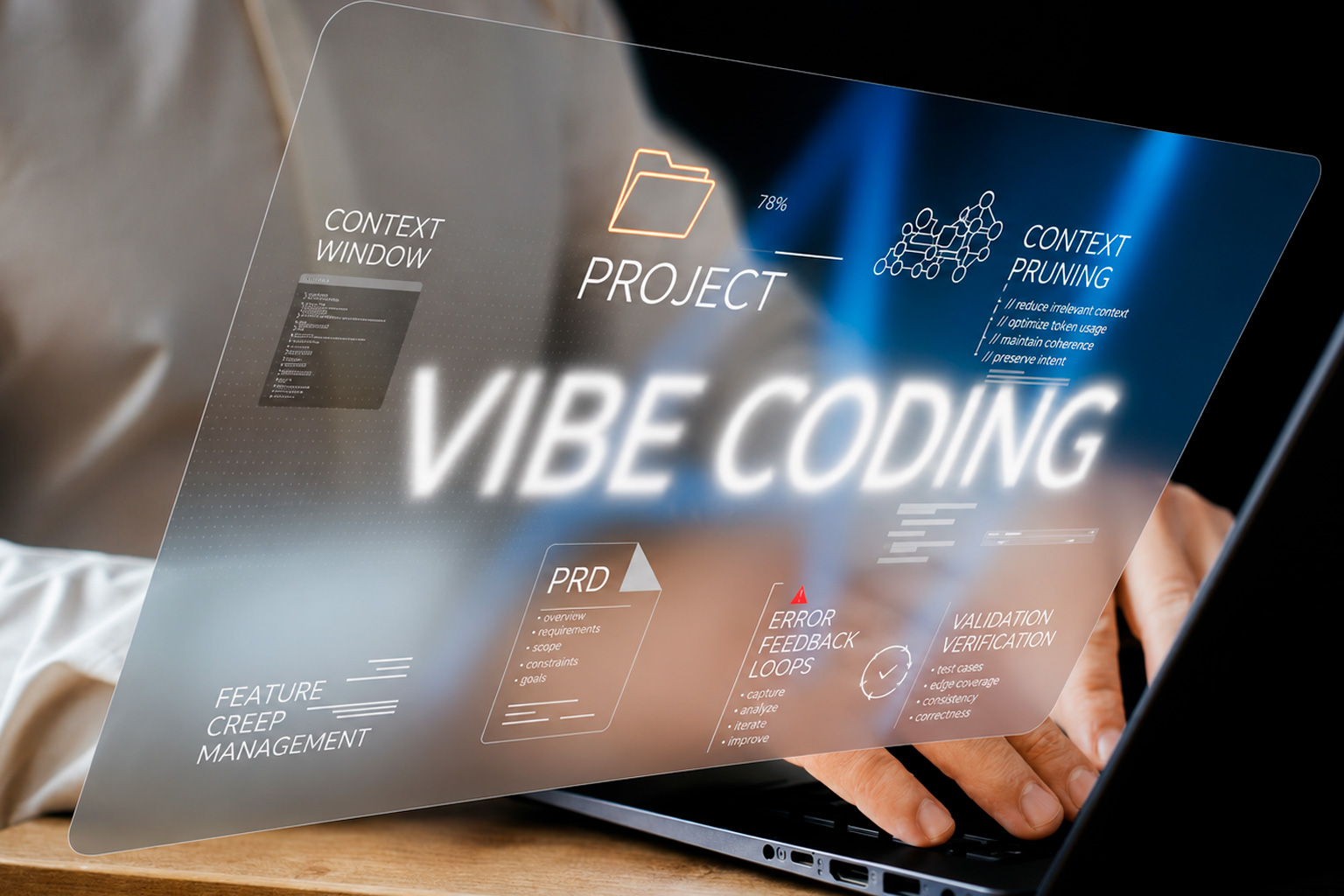
From Vibe Coding to Production Crash: How to Fix and Scale AI-Generated Codebases
30 Jul 2026
You built your MVP in a weekend. Cursor, Claude, or Bolt turned a rough idea into ten thousand lines of working code, and for a while, it felt like magic. Users signed up. The demo went smoothly. Investors nodded along. Then real traffic hit, and the app you were so proud of started throwing errors nobody could explain.
If that sounds familiar, you're not alone, and you didn't do anything wrong by moving fast. "Vibe coding", building with AI-generated code and iterating on instinct rather than a formal spec, is genuinely one of the fastest ways to validate an idea. The problem isn't the starting point. It's what happens next, when a prototype that was never meant to hold weight suddenly has to.
This guide walks through why AI-generated codebases tend to buckle right when growth finally arrives, what that actually looks like under the hood, and how experienced engineering teams fix it without forcing you to start over.
The Vibe Coding Trap: Fast MVP, Unmaintainable Production
There's a reason AI coding assistants have become the default starting point for non-technical founders and lean startup teams. They compress weeks of scaffolding into hours. But speed comes with a trade-off that rarely shows up until it's expensive: AI models write code that looks correct, not code that's built to survive production.
An AI assistant doesn't reason about connection pooling under concurrent load. It doesn't flag a memory leak three services downstream. It won't stop to ask whether an API key should ever have been committed to the repository in the first place. It optimizes for “does this run,” and for a demo, that's often enough.
The cracks appear later, usually right after a product hits its first real growth spurt, the moment founders least want an outage. Pages time out under modest traffic. The database bill triples overnight. A security researcher (or worse, an attacker) finds an exposed endpoint that was never meant to be public. None of this means the MVP was a mistake. It means the codebase has quietly outgrown its foundation, and that foundation needs professional attention before the next growth spike.
Prototype Code vs. Production-Grade Engineering: A Side-by-Side Look
The gap between a vibe-coded prototype and a production-ready application isn't always visible from the outside; the UI can look identical. It's the architecture underneath that decides whether an app survives its first real user surge. Here's what typically separates the two:
|
Architectural Metric |
AI-Generated / Vibe-Coded App |
Production-Grade Architecture |
The NanoByte Standard |
|
Security & Auth |
Hardcoded secrets, weak JWT handling, exposed endpoints |
Zero-trust IAM, automated key rotation, hardened auth flows |
SOC 2-aligned security reviews on every build |
|
Database Performance |
N+1 query bugs, missing indexes, uncached reads |
Indexed schemas, Redis caching, pooled connections |
Query audits that cut response times before launch |
|
Code Maintainability |
Duplicate logic, no tests, tangled dependencies |
Modular services, automated CI/CD, strong test coverage |
80%+ automated coverage on every refactor we ship |
|
Scaling Capacity |
Buckles under modest traffic spikes |
Auto-scaling infrastructure, sub-100ms API targets |
Load-tested architecture built for real user growth |
Three Security and Performance Risks Hiding in Your AI Codebase
Most founders don't discover these risks until something breaks publicly. Catching them early is far cheaper than fixing them after a bad weekend.
- Silent security vulnerabilities. AI coding tools frequently pull in outdated packages with known, publicly documented exploits, or write authentication logic that technically works but skips basic safeguards like rate limiting and token expiry.
- Hallucinated dependencies. AI models sometimes import npm or NuGet packages that don't exist, or worse, that do exist but were published by bad actors squatting on a plausible-sounding name. Either way, it's an open door into your infrastructure.
- Runaway database costs. Unoptimized queries written without indexing or caching in mind can multiply read costs fast. It's common for early-stage teams to watch their Supabase or AWS bill triple in a matter of days once real users start browsing, searching, and filtering.
How Senior Engineers Fix AI-Generated Code Without Rebuilding From Scratch
The good news: fixing a vibe-coded application almost never means throwing it away and starting over. It means bringing in engineers who know how to isolate what's fragile, without disrupting what's already working for your users. At NanoByte, that process generally follows three stages.
Audit before anything else
Before a single line changes, the codebase gets scanned end to end for security gaps, structural weaknesses, and the kind of code smells that signal deeper problems: duplicated logic, missing error handling, unindexed queries. This step alone usually surfaces the handful of issues actually causing the outages, rather than guessing.
Refactor the load-bearing pieces first.
Not every file needs attention. Senior engineers prioritize the database access layer, authentication flow, and any endpoint handling real user data, applying proper design patterns where the AI-generated version took shortcuts. This is where a targeted refactor AI codebase engagement pays for itself, fixing what's actually breaking instead of rewriting what already works.
Put guardrails around future changes.
Once the core is stable, the team sets up CI/CD pipelines and automated testing, so future AI-assisted features have to pass quality gates before they ever reach production. This is what keeps a fixed codebase from drifting back into the same fragile state six months later.
Teams that outsource software engineering services for this kind of cleanup typically see it as a matter of weeks, not months, because they're refactoring around a working product instead of rebuilding one from a blank file.
Common Questions Founders Ask About Fixing AI-Generated Code
Can you fix code built with Cursor, Bolt, or Claude without starting over?
Yes, in almost every case. Cursor AI code cleanup work typically preserves the product logic and user-facing behavior your team already validated, while rebuilding the parts of the architecture, security, database access, and testing- that weren't built to hold up under real traffic.
How do I know if my AI-generated app is at risk?
A few warning signs are common across vibe coding production risks: slow page loads that get worse with more users, unexplained spikes in your cloud bill, no automated tests, and secrets or API keys sitting directly in the codebase instead of a secrets manager. If two or more of these sound familiar, it's worth a professional audit before you scale marketing spend.
Is it cheaper to hire remote software engineers for this than to rebuild in-house?
Usually, yes. Vetted remote engineering teams that specialize in AI-codebase cleanup already have the audit tooling and refactoring playbooks in place, so you're paying for a focused fix rather than the ramp-up time of building an internal team from scratch.
Turn Your AI Prototype into a Battle-Tested Enterprise App
Vibe coding got you a working product fast; that's nothing, and it's not a mistake to fix now. The founders who scale successfully aren't the ones who avoided AI tools. They're the ones who knew when to bring in engineers who could turn a fast prototype into something that holds up under real growth.
|
Did AI Get You to an MVP, and Now the Codebase Is Breaking? Don't throw away months of progress or waste your own team's time untangling spaghetti code. NanoByte's senior software architects run a free 15-minute AI codebase audit, a straight-talk look at what's fixable, what's risky, and what it costs to get you production-ready. |
.jfif)

.png)