
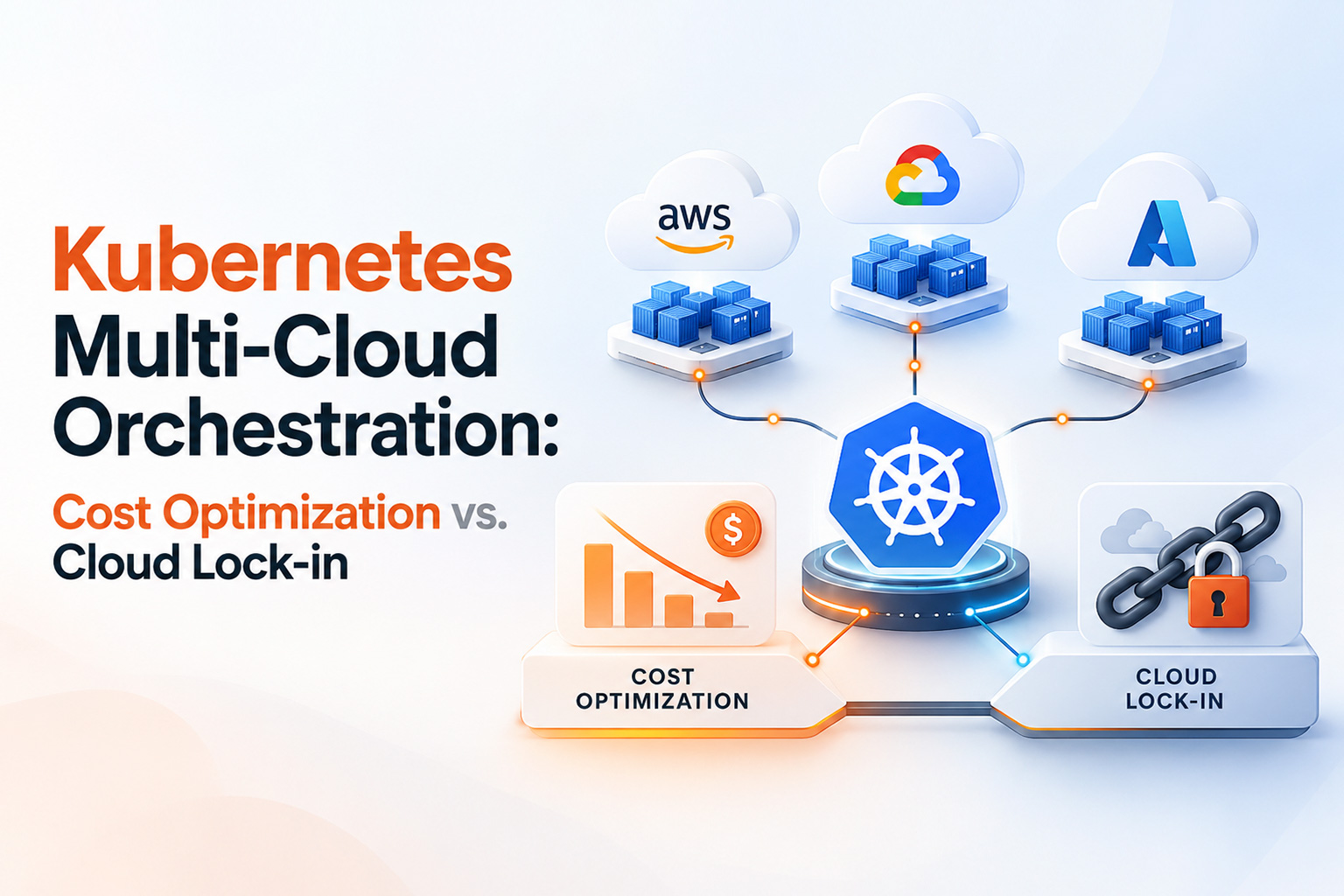
Kubernetes Multi-Cloud Orchestration: Cost Optimization vs. Cloud Lock-in
05 Oct 2026
Cloud bills rarely shrink on their own. Most enterprise teams reach the same point: a growing monthly invoice, a platform tied closely to one provider's services, and leadership asking whether that dependence is an acceptable trade-off or a risk.
Kubernetes is often presented as the escape route. It gives you a common API for running containers, so workloads can, in theory, move. In practice, running clusters across AWS, Azure, and Google Cloud adds networking, identity, security, and staffing work that a single-cloud team never faces.
That raises the central question: can multi-cloud Kubernetes reduce vendor dependence and improve cost flexibility without creating more complexity than it solves? Sometimes, but only with deliberate design. That is the core of the Kubernetes cost optimization vs. cloud lock-in debate in 2026, and of enterprise Kubernetes multi-cloud management.
Quick Summary: How Does Multi-Cloud Kubernetes Optimize Costs Without Lock-in?
Multi-cloud Kubernetes can improve workload portability and give you more choice over where applications run, but it does not automatically remove vendor lock-in or lower costs. Savings depend on architecture, data placement, traffic patterns, and the engineering effort needed to operate several clouds consistently.
1. The Cloud Monopoly Trap: Why Single-Vendor Lock-in Can Increase Infrastructure Costs
Lock-in rarely comes from Kubernetes itself. It comes from what surrounds it.
A team picks DynamoDB for a latency-sensitive service or BigQuery for analytics. Each choice is reasonable. Managed services save engineering time, and nobody should rebuild a database just to prove portability.
The trouble starts when dozens of services depend on provider-specific APIs, data models, and IAM policies, and no one has priced the exit. Three factors drive that cost:
- Migration effort. An application written around a proprietary data API needs code changes, not just a new cluster.
- Data gravity and egress. Large datasets pull compute toward them, and moving data between providers or regions can carry transfer charges. AWS, Google Cloud, and Azure offer free transfer-out for customers leaving entirely, and the EU Data Act bans switching charges from January 12, 2027, but parallel multi-cloud traffic can still incur cost-based egress.
- Provider-specific infrastructure. Load balancers, storage, IAM, and networking differ by cloud, so infrastructure code rarely transfers unchanged.
The useful distinction is productivity versus dependence. Use managed services where they clearly pay off, but keep a realistic exit path for data, identity, and core application logic. Lock-in is a spectrum; choose your position deliberately.
2. Single-Cloud Managed Kubernetes vs. Enterprise Multi-Cloud Kubernetes
EKS, GKE, and AKS are the right default for many teams, removing control-plane work and integrating tightly with each provider's IAM, storage, and networking. Multi-cloud trades some of that convenience for choice.
|
Area |
Single-cloud managed (EKS, GKE, AKS) |
Enterprise multi-cloud Kubernetes |
|
Vendor dependence |
Higher, through provider-specific IAM, storage, and networking |
Lower at the cluster layer; managed services can still bind you |
|
Portability |
Manifests move; surrounding services often do not |
Better, if you standardize on open components and test it |
|
Cost flexibility |
Strong commitment discounts; less leverage |
More placement options, offset by duplicated tooling |
|
Disaster recovery |
Multi-AZ or multi-region, one provider |
Can survive a provider-level event; needs tested failover |
|
Networking |
Simple native networking |
Cross-cloud links, IP planning, egress charges |
|
Operations |
One set of tools and runbooks |
Several clouds under one control layer |
|
Data portability |
Tied to provider storage and databases |
Possible, but replication and transfer costs apply |
|
Engineering complexity |
Lower |
Considerably higher |
Multi-cloud does not deliver zero lock-in or guaranteed savings, and a second cluster in another cloud is not true active-active resilience. Stateful systems, identity, and data replication decide whether failover works.
For many workloads, a well-run single-cloud platform with a documented exit plan is the better answer. Multi-cloud earns its cost when regulation, acquisitions, customer requirements, or negotiating leverage justify it.
3. The Technical Pillars of Multi-Cloud Kubernetes Cost Optimization
Pillar 1: Multi-Cluster Management
Rancher from SUSE provides a central console for managing clusters across environments. Cluster API uses declarative resources to create and upgrade clusters through provider-specific integrations. Argo CD, a CNCF graduated project, applies GitOps: desired state lives in Git, and Argo CD reconciles clusters toward it.
Together they standardize cluster lifecycle, deployments, policies, and configuration. They do not remove the work: someone still maintains provider integrations and the exceptions each cloud forces on you.
Pillar 2: Cross-Cloud Networking
Cilium uses eBPF for networking, network policy, and observability. Cilium Cluster Mesh extends this across clusters with service discovery, load balancing, and policy enforcement. Per the Cilium documentation, connected clusters need non-overlapping pod address ranges and IP connectivity between nodes, so address planning comes first.
Cilium does not eliminate cloud networking or egress charges. Traffic between clouds still crosses provider networks, and the bill depends on architecture and traffic patterns. A chatty service split across two clouds can cost more than the compute it saves. Use local service affinity, and measure real traffic before deciding what to split.
Pillar 3: Spot and Preemptible Capacity and Scheduling
Interruptible capacity such as AWS Spot Instances, Azure Spot VMs, and Google Spot VMs can cost much less than on-demand compute. It suits fault-tolerant work like batch jobs, CI runners, and stateless services. Notice is short: AWS gives two minutes, while Azure and Google Cloud give roughly 30 seconds.
Karpenter provisions right-sized nodes inside a cluster and has providers for AWS and Azure, among others. KEDA scales workloads on event-driven signals such as queue depth. Neither performs automatic cross-cloud spot arbitrage; each acts within a cluster. Moving work to wherever spot is cheapest also requires portable images, data locality, scheduling constraints, and interruption tolerance. Stateful and latency-sensitive services rarely qualify.
Pillar 4: Kubernetes FinOps and Cost Allocation
You cannot optimize what you cannot attribute. OpenCost, a CNCF incubating project, allocates cost by cluster, namespace, controller, and pod, covering CPU, GPU, memory, and persistent volumes. It uses AWS, Azure, and GCP billing integrations for pricing. Kubecost, where OpenCost originated, offers a commercial option.
With that data, teams can see idle capacity, over-requested resources, and which team or workload drives each bill, then compare providers like for like. Actual savings depend on what you find, so treat any promised percentage with caution.
Is Multi-Cloud Actually Cheaper?
Multi-cloud is not automatically cheaper than single-cloud. It buys options, and options carry a price.
What you can gain: wider provider choice, flexibility in where workloads run, pricing leverage, additional resilience options, and less dependence on one vendor.
What you add: platform engineering effort, cross-cloud networking, duplicated observability and security tooling, staff who understand several clouds, data replication, and the overhead of keeping everything consistent.
That is why the comparison should be total cost of ownership, not compute list prices. A cheaper instance means little if it needs a new network path, a second monitoring stack, and different on-call skills. Model people, tooling, data transfer, and risk alongside infrastructure, and pilot one or two workloads first.
How to Manage Kubernetes Across AWS, Azure, and GCP
Start with a plain fact: AWS, Azure, and GCP have different infrastructure and IAM models. Multi-cloud does not make them identical. It gives you a common layer on top. A workable approach:
- Standardize deployment patterns. Use conformant Kubernetes, Helm, or Kustomize, and keep cloud-specific settings in overlays.
- Adopt GitOps. Store desired state in Git and let Argo CD reconcile every cluster.
- Manage cluster lifecycle declaratively. Use Cluster API or Rancher with infrastructure as code.
- Keep security and policy consistent. Map each cloud's IAM to workload identities and enforce admission and network policies.
- Monitor in one place. Use OpenTelemetry and Prometheus-compatible metrics, so alerts match across clouds.
- Track cost per workload. Run OpenCost or Kubecost in every cluster and align labels across providers.
- Respect data locality. Keep compute near the data it reads most.
- Plan disaster recovery. Set recovery objectives per service, replicate only what needs it, and rehearse failover.
Frequently Asked Questions
Does multi-cloud Kubernetes orchestration increase operational complexity?
Yes. Each added cloud brings its own IAM, networking, quotas, and upgrade behavior. A standard control layer reduces repeated work but not those differences, so add a cloud only for a clear reason.
How do you avoid high egress data transfer costs in a multi-cloud Kubernetes setup?
Keep chatty traffic inside one cloud or region, place compute near data, use local service affinity, and measure flows before splitting a workload. Check each provider's current data-transfer pricing.
Is Kubernetes enough to prevent cloud vendor lock-in?
No. Kubernetes standardizes the workload layer. Lock-in also comes from databases, messaging, identity, storage, and other managed services, which need deliberate portability choices too.
Is multi-cloud Kubernetes cheaper than single-cloud Kubernetes?
Not by default. It can lower costs for specific workloads, but extra engineering, networking, and tooling often offset the gains. Compare total cost of ownership.
How can Kubernetes help with cloud cost optimization?
Kubernetes supports bin-packing, pod and node autoscaling, spot capacity for tolerant workloads, and cost allocation by team through tools like OpenCost. Right-sizing resource requests is usually the first step.
What tools can manage Kubernetes across multiple clouds?
Common choices include Rancher, Cluster API, Argo CD, Cilium Cluster Mesh, Karpenter, KEDA, and OpenCost or Kubecost.
Optimize Cloud Costs and Build Multi-Cloud Kubernetes Resilience With Senior Engineers
The hardest part of multi-cloud is rarely the tooling. It is deciding what should run where.
NanoByte Technologies works as a technical partner for businesses that need to design, deploy, manage, and optimize Kubernetes and cloud infrastructure. Whether you need enterprise Kubernetes multi-cloud management, custom Kubernetes orchestration services, or Kubernetes cost optimization consulting, the starting point is the same: an honest look at your workloads, data, and cost drivers.
Teams that want to hire multi-cloud platform engineers or senior DevOps Kubernetes architects can use that experience to shape a multi-cloud Kubernetes architecture and plan k8s multi-cloud deployment services. As a multi-cloud infrastructure management company, our aim is to design solutions that fit your business, even when that is single-cloud.

.jpeg)
.jpeg)