
Micro-Frontends at Enterprise Scale: Module Federation Strategy
06 Oct 2026
A large React or Angular application usually starts out well: one repository, one build, one release train. Then the team count grows. Checkout, account, and reporting teams all depend on the same codebase, the same shared components, and the same deployment pipeline. A small change waits on a release everyone shares, and a framework upgrade turns into a program of its own.
Enterprise micro frontend architecture is one response to that problem. It splits a large frontend into applications that separate teams can build, test, and deploy on their own. Module Federation is one technology strategy that can support it. Neither is the right answer for every large frontend. Here is where it helps and what it costs.
Quick Summary: What Is Module Federation in Micro-Frontends?
Module Federation lets separately built frontend applications expose modules and consume each other's modules at runtime. It began in Webpack 5, and other tools, including Rspack and Vite, now have implementations. They are not identical, so check each tool's documentation.
Micro-frontends are an architectural approach. Module Federation is a way to load and share code at runtime. You can build micro-frontends without it, and use it without building micro-frontends.
1. The Monolithic Frontend Wall: Why Large Engineering Teams Can Stall
Size alone is rarely the issue. Coupling is.
Deployment Coupling
When every team ships through one pipeline, releasing becomes a coordination task. A fix for the account area waits on another team's unfinished feature, or someone maintains a release branch just to work around it.
Build and CI Complexity
Builds and test suites tend to grow with the codebase. Teams end up waiting on checks that cover code they never touched, and a flaky test in one domain can block a merge in another. Caching and affected-only test runs are worth trying first.
Framework and Dependency Upgrades
Moving a shared application to a new major version of React, a router, or a UI library means every domain has to be ready at once. That is hard to schedule across many teams. Module Federation can let domains move at different speeds, but it does not make upgrades risk-free, because shared libraries still need compatible versions at runtime.
2. Monolithic Frontend vs. Module Federation
Neither column wins everywhere; team structure and release needs decide.
|
Area |
Monolithic SPA |
Module Federation architecture |
|
Deployment model |
One build and release for the whole app |
Host and remotes can be built and released separately |
|
Team autonomy |
Shared codebase and release schedule |
Teams own domains within shared rules |
|
Dependency management |
One dependency graph |
Versions negotiated at runtime through shared configuration |
|
Runtime behavior |
Code bundled together at build time |
Remote modules loaded at runtime |
|
Failure isolation |
A bad release affects the whole app |
A remote can fail alone, if fallbacks are designed |
|
Testing |
End-to-end testing within one build |
Needs integration and contract tests across separate releases |
|
Operational complexity |
Lower |
Higher: more pipelines, manifests, and monitoring |
|
Upgrade strategy |
Coordinated, all at once |
Gradual, but limited by shared dependency compatibility |
3. The Four Technical Pillars of Enterprise Module Federation
Pillar 1: Host-Remote Architecture and Routing
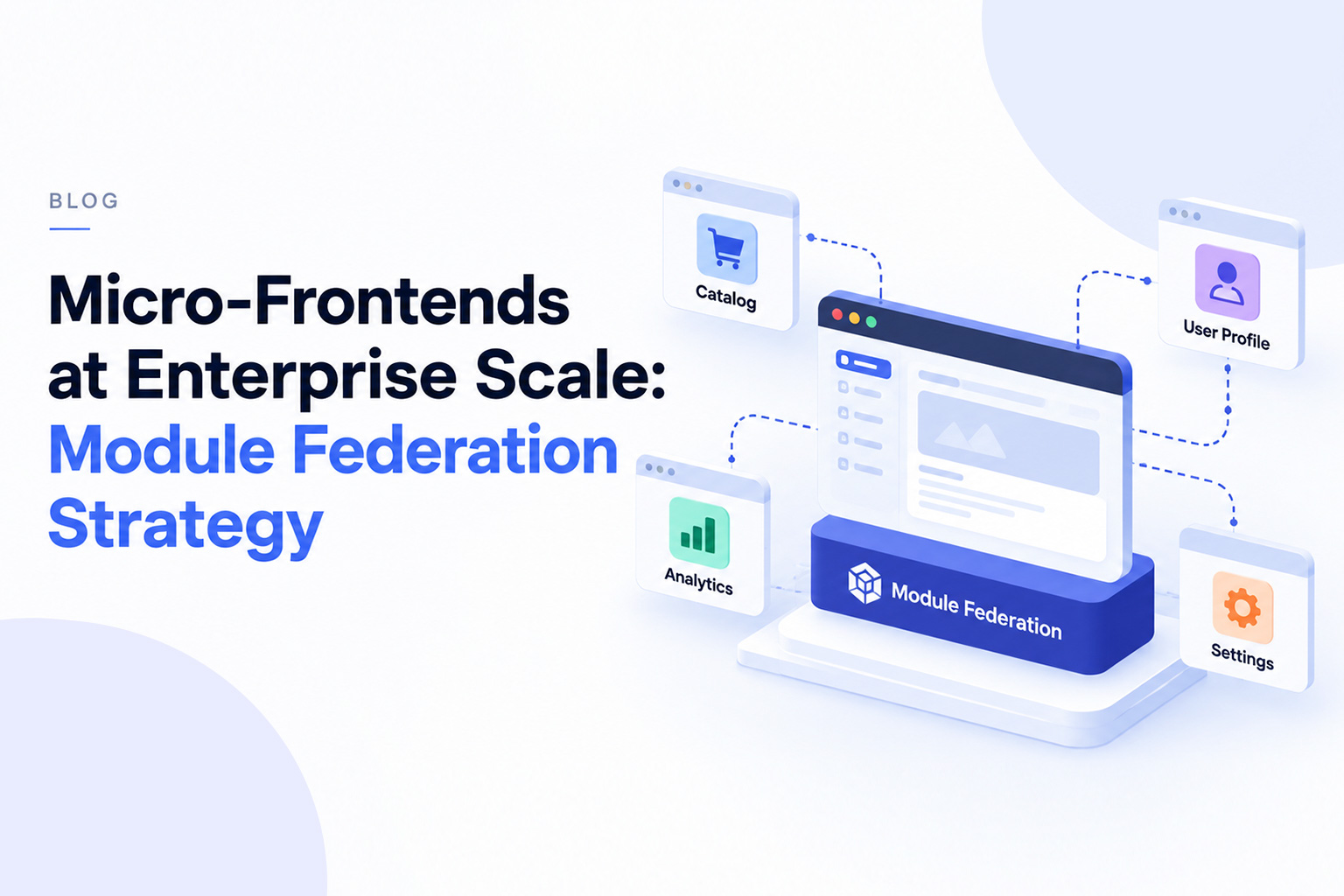
A host (or container) application provides the shell and loads remote applications as needed. Each remote exposes modules, such as a route-level component, that the host consumes. Domain teams own remotes: /dashboard, /checkout, and /account could each be one. The host often handles global concerns like top-level routing, layout, and authentication setup, while each remote owns its internal routes. The exact boundary varies, so agree on it early.
Pillar 2: Shared Dependencies and Version Management
Module Federation can share libraries such as React, React DOM, and design-system packages so users do not download several copies. In configuration, singleton allows only one version of a shared module, and requiredVersion declares the range a build expects. Webpack's documentation cautions that singleton modules only work when every federated module is compatible with the shared version.
So sharing is not automatically safe. React expects to run as a single instance, and a mismatched copy can cause errors like invalid hook calls. Treat shared dependencies as a contract: set a version policy for core libraries and test remotes against the host before release.
Pillar 3: Resilience and Failure Handling
A remote is a runtime network dependency. It can be unavailable, slow, or built against an incompatible shared version. Wrap remote components in error boundaries and Suspense so a failure shows fallback UI instead of a blank page. The Module Federation runtime also offers an errorLoadRemote hook for load failures and a retry plugin for failed requests.
Error boundaries do not catch everything, though. Failures during startup, before React renders, can bypass them. Resilience has to be designed in the application, through fallbacks, and in infrastructure, through versioned assets, rollback, and monitoring.
Pillar 4: Design Systems and Cross-App Communication
Independent teams drift without shared rules. Govern UI components, design tokens, and accessibility standards centrally, and publish them as versioned packages. Give authentication context a clear owner, usually the host. For communication, browser custom events suit simple notifications, and a lightweight state library can fit when you need more. No single choice works for every team. The better habit is to share less, because each piece of cross-application state is a coupling someone has to maintain.
Module Federation vs. iFrames in Enterprise Frontends
Teams weighing module federation vs iframes for enterprise use in 2026 are really choosing between two different tools. MDN describes an iframe as a nested browsing context with its own document. Module Federation lets modules participate in the host application's frontend runtime. Most trade-offs follow from that.
- Isolation and security: iframes give browser-level separation and sandbox controls, which suits untrusted or third-party content. Federated modules run in the host's page and JavaScript context, so they must be trusted code.
- Communication: iframes typically rely on postMessage, which is explicit but clumsy. Federated modules can share props, events, and context directly, which is easier and also easier to over-couple.
- Styling and authentication: iframes keep styles apart but need extra work for sizing, focus, and session handling. Federated modules share the page's CSS and auth context, which makes consistency a governance task.
- SEO and performance: content inside an iframe belongs to a separate document. MDN notes each iframe needs additional memory and compute, while Module Federation's costs depend on shared dependencies and loading patterns.
- Deployment independence: both can support it. Choose iframes where hard isolation matters, and Module Federation where modules should behave like one application.
Does Module Federation Increase Bundle Size?
It depends on how you set it up. Four things matter most: which dependencies are shared, how sharing is configured, how many remotes load on a route, and how much code teams duplicate. Sharing React once across remotes avoids repeated downloads. Mismatched version ranges that block reuse, or remotes loaded on routes that do not need them, can add downloads and runtime work. Measure your own bundles rather than assuming a result.
How to Scale Micro-Frontends With Module Federation
A practical sequence:
- Define domain boundaries around business capabilities, not technical layers.
- Assign each domain to one accountable team.
- Write down host and remote responsibilities: routing, authentication, layout, error handling.
- Set a shared dependency policy covering singletons and version ranges.
- Govern the design system through versioned packages and accessibility standards.
- Standardize CI/CD so every remote follows the same build, test, and release steps.
- Add runtime monitoring for remote load failures, errors, and version mismatches.
- Plan failure and rollback, including fallback UI and a fast way to revert a remote.
- Keep cross-application communication to a small set of documented events.
- Document versioning and compatibility expectations between host and remotes.
When Should an Enterprise NOT Use Micro-Frontends?
Be cautious, or wait, when:
- The application is relatively small.
- One team owns most of the frontend.
- Independent deployments are not needed.
- Organizational boundaries do not justify architectural ones.
- Operational complexity would outweigh the benefits.
A modular monolith with clear internal boundaries is often a sensible first step. You can split later if the organization genuinely needs it.
Frequently Asked Questions
What is Module Federation in micro-frontends?
It is a mechanism that lets separately built applications expose and load modules from each other at runtime. It supports micro-frontends but is not the same thing.
How does Module Federation differ from iframes?
An iframe embeds a separate document with browser-level isolation. Module Federation loads modules into the host application's runtime, so they share the page and need to be trusted.
Does Module Federation increase frontend bundle size?
Not necessarily. Shared dependencies can reduce duplication, but poor configuration can add downloads. Measure your own application.
Is Module Federation suitable for large React applications?
It can be, when multiple teams need to release independently. Plan for strict React version management, because React expects a single shared instance.
Can Module Federation support independent deployments?
Yes. Host and remotes can be built and released separately, provided shared dependencies and interfaces stay compatible and rollback is planned.
What are the biggest challenges with enterprise micro-frontends?
Version management, testing across separate releases, shared state, observability, failure handling, and design-system governance.
How do you manage shared dependencies in Module Federation?
Share core libraries like React through shared configuration, use singleton where one instance is required, declare version ranges, and test remotes against the host.
Modernize and Scale Your Enterprise Frontend With Senior Architects
NanoByte Technologies is a software engineering partner for organizations that need to assess and modernize large frontend applications. We can help you decide whether enterprise micro frontend architecture fits your teams, define domain and dependency boundaries, and plan an incremental move away from a monolith.
If you are looking for a module federation implementation company, want to hire micro frontend developers, or need to hire senior React Module Federation engineers, we can begin with your current setup and release process. The same applies to custom enterprise frontend architecture work, micro frontend refactoring services, or a smaller advisory role from an enterprise Webpack Module Federation agency. The goal is to help you scale frontend engineering teams without adding complexity you do not need.
.jfif)

.jpg)